10 of the Best Climbing plants for your garden
Climbing plants are one of the easiest ways to add height, colour and interest to a garden, particularly useful for covering a wall, fence, arch or pergola. For beginners, climbers can be a great choice because many are easy to grow with quick results.
On this page, I have put together ten of the best climbing plants with distinct qualities. Some are easy to grow and fully hardy; others have showy blooms, making a great impact in the garden; and others are a little unusual if you want to try your hand at less commonly grown climbers. This page acts as a starting point and hub, helping you compare different climbers and decide which ones are right for your space.
Each plant listed below links to a more detailed guide with practical advice on planting, training, pruning, and ongoing care. If you are new to gardening or unsure where to start, this page will help you choose the right climbing plant for your garden.
One point to note. Because climbing plants are usually vigorous, they are also ruthless. This means the climbing plant will often send out tendrils which grab, cling to, and flatten anything growing around it.
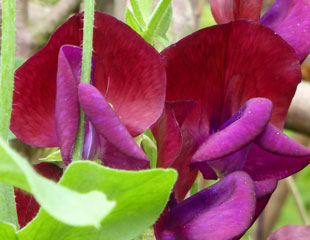
If you let the plant have its own way, it may trample over neighbouring plants. It is best to check its growth, tie it into an obelisk or a structure, so it does not swamp everything around, which can stunt the growth of neighbouring plants. The everlasting pea is a prime example of this plant behaviour.
Easy to Grow Climbing Plants
It is always good to grow something that is easy to grow and does not require lots of attention and complicated pruning. These climbing plants are also a good starting point if you are a beginner gardener.
Passion Flower
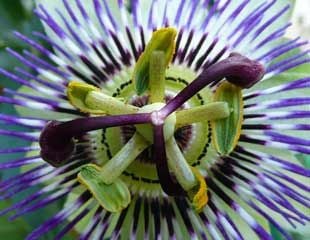
Passion flower has exotic, striking flowers. It is an easy-to-grow semi-evergreen climbing plant. This purple variety P. caerulea, is hardy in most areas.
Star Jasmine
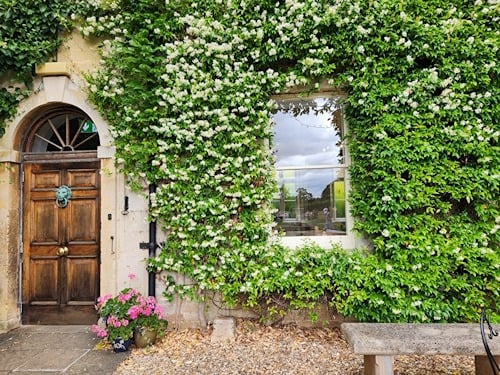
Trachelospermum jasminoides is an evergreen, vigorous climber which is easy to grow in a sheltered spot H4 hardy.It as wonderfully scented flowers. I took this image at Tolethorpe theatre, where I caught its scented flowers before I could see it.
Winter flowering Jasmine
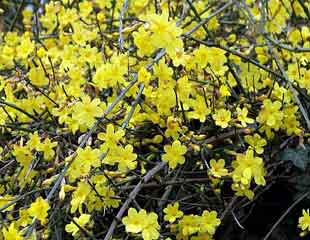
This Jasmine is deciduous and really easy to grow. As its name suggest it is Winter flowering, lifting the gloom in December, January and February. It is very tough and suitable to grow almost anywhere in the garden.
Climbing Plants for Shady Areas
Climbing Hydrangea
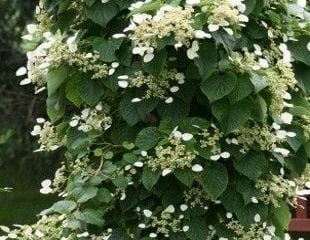
The Climbing Hydrangea, Hydrangea petiolaris, is easy to grow, deciduous, and shade-tolerant. The Climbing Hydrangea is an ideal climber for a shady wall. It has lovely white flowers in late spring and early summer. It is vigorous, which means it can grow up to 9-15m and spreads 1.5-3.
Ivy
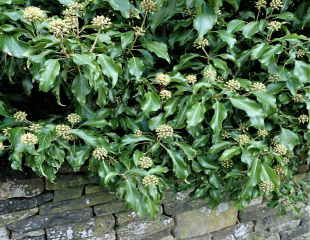
Easy-to-grow Ivy is very tough, making it ideal for planting in difficult areas, especially in shade. This type of ivy is also good for wildlife, providing late nectar for bees and a home to many insects. It makes a good groundcover and is evergreen, ideal for disguising problem areas,
Pyracantha

Pyracantha, though a shrub, easily trains into a climbing plant, as shown. This plant is evergreen, featuring white blossoms in spring and attractive red or orange berries (varying by type) in autumn and winter.
Honeysuckle
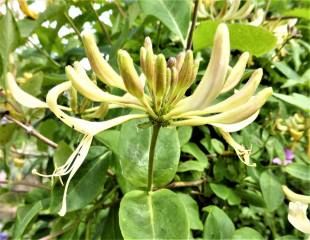
Most Honeysuckle will grow in dappled shade. The preferred growing conditions are cool root run, head in the sun but not too much. Honeysuckle can be prone to powdery mildew, and hot, dry conditions exacerbate this. Not all honeysuckles have a good scent, pick your variety carefully.
Fast Growing Climbing Plants
Clematis
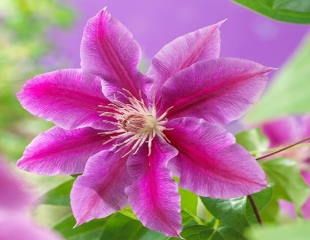
Most Clematis are fast-growing climbers, around 2-3m each season. Excellent for covering walls and fences, its important to bear in mind how vigorous clematis can be. For example, C. montana, up to 12mx3m: C 'Bill Mackenzie' 4-8m and spread 2-4m. There are less vigorous varieties, especially the patio types such as C. crystal fountain.
Fallopia
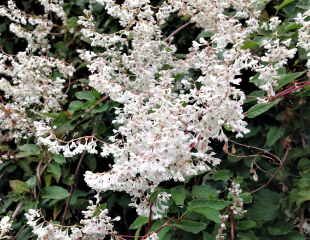
This climbing plant is much too easy to grow and is the fastest-growing of climbers. Also known as 'Mile a Minute plant ' Fallopia is a very fast-growing climber. This plant comes with a health warning as it is just so rampant; plant with caution in a big space. To its credit, Fallopia has lovely white flowers in late summer
Wisteria
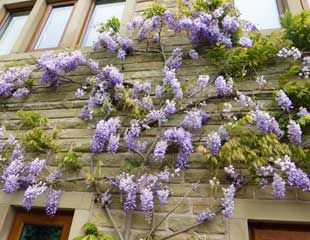
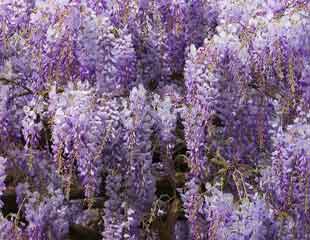
Wisteria is one of our most spectacular climbing plants. Beautiful scented blooms, Wisteria grows well on a sunny wall.
If unchecked, it can grow very large, up to 20 m but pruning contains it. It will grow around 1-3m per season. It is deciduous and needs very careful training and pruning
Unusual Climbing Plants
Ipomoea 'Morning Glory'
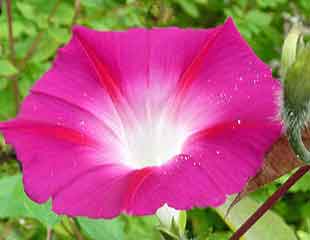
Ipomoea is a tender annual which is easily germinated from seed each year. It has trumpet-shaped flowers in shades of blue, pink and pastels, but it is difficult to grow, especially in cooler gardens or poor summers. It needs plenty of warmth to flower well.
The Flame Flower
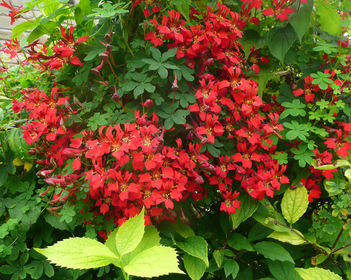
By contrast, Tropaeolum speciosum, the flame flower, requires cooler conditions to grow. It is a perennial and once established is trouble free but it's tricky to get going even in more northerly gardens.
It needs roots in shade, and in soil which does not dry out.
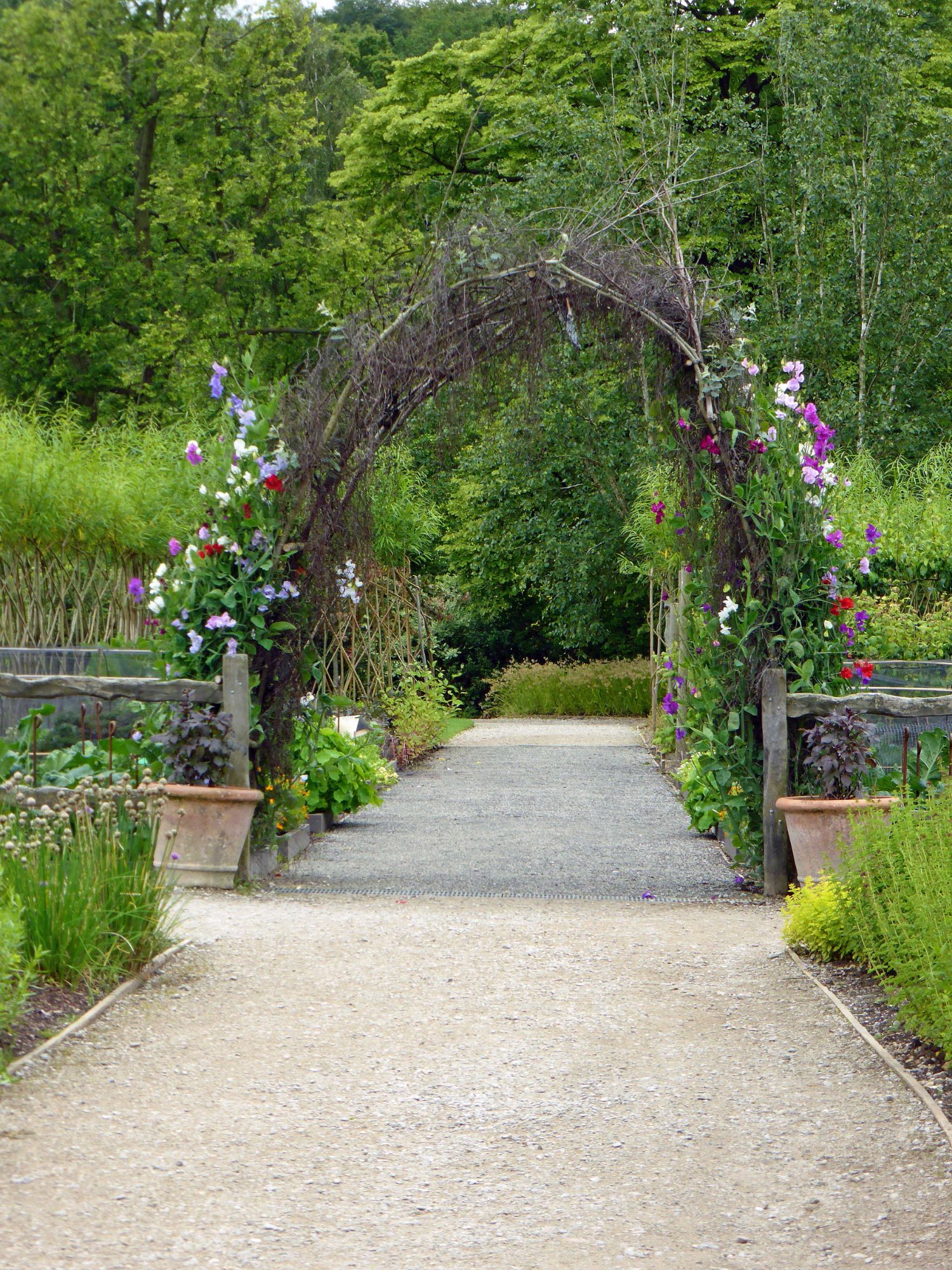
For annuals you can make a temporary support, using pruning off cuts, which make an attractive natural arrangement, as spotted here at one of the RHS gardens.